
Safari link routing
Open map links in your preferred app — in Safari.
Choose Apple Maps, Google Maps, or Waze. Local-only. No tracking.
Works in Safari with the extension enabled.
Opens in your preferred map app when installed (best-effort); otherwise opens in Safari.
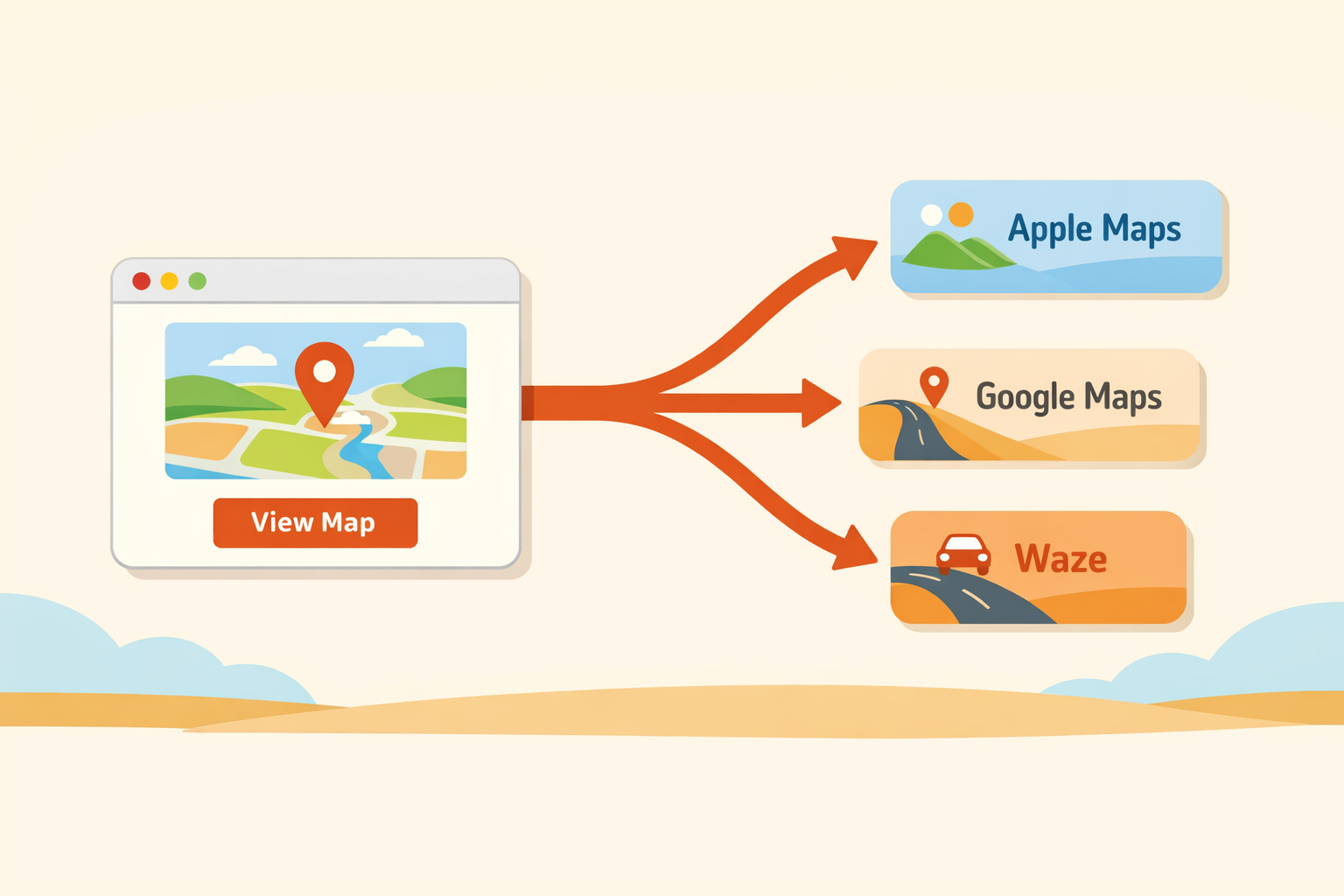
How it works
Three quick steps, no detours.
Install the app
One-time purchase that includes the Safari extension you will enable in Settings.
Enable the extension
Turn on MapLink Router for Safari and allow it on the websites you want to route.
Pick your map
Choose Apple Maps, Google Maps, or Waze in extension settings.
Why it helps
Your default map, consistently.
Pick your default
Apple Maps, Google Maps, or Waze — you decide.
Reliability-first
Taps always do something, even when a link is unusual or incomplete.
Safety-first routing
If we cannot confidently route, we leave the link alone.
Privacy by design
No analytics, no telemetry, no tracking. Everything stays on-device.
One-time purchase
$1.99, no subscriptions, no nags.
Safari-first scope
Built for Safari on iOS and iPadOS with clear, honest boundaries.
Supported links
Know what routes (and what should not).
Supported
- Safari on iOS and iPadOS
- Apple Maps, Google Maps, Waze
- Common link shapes: search, coordinates, directions
- Best-effort app opening when installed
Not supported / may not redirect
- Other browsers (Chrome iOS, Firefox iOS, Edge iOS)
- In-app browsers (Instagram, Gmail, etc.)
- Short links that need expansion (maps.app.goo.gl)
- Non-link SPA buttons without an actual href
FAQ
Short answers, what to expect.
Does it work outside Safari?
No. MapLink Router only works in Safari with the extension enabled.
Why did a link stay in Safari?
The link may be unsupported, the website is not allowed in Safari settings, or redirects are disabled in extension options.
Why did the wrong map app open?
iOS can open another installed map app first. Best results when only your preferred map app is installed.
What about Private Browsing?
Enable “Allow in Private Browsing” for the extension, then reload the page.
The extension settings page won't open.
Force-quit Safari and reopen it, then try again. If it still doesn't appear, toggle the extension off/on in Settings -> Apps -> Safari -> Extensions.
Do you track my browsing?
No. There is no analytics, telemetry, or tracking.
Why does a Google cid= link open Google briefly?
Some Google links require a bounded canonicalization step (up to 3.0 seconds hard max) to resolve the destination safely.
Need help with setup or troubleshooting?
Contact support